


OBS Blade 4.0

Your OBS,
in your pocket.

Control your streams and recordings from your phone or tablet. Scenes, audio, sources, stats and your chat - without jumping back to your PC mid-stream.

Download on the App Store Get it on Google Play

Free foreverOpen sourcePhone & tablet

Free foreverEvery OBS control. No account, no ads.
OBS 28+Uses the WebSocket built into OBS. Nothing to install.
Phone & tabletiPhone, iPad and Android, with layouts made for each.
Open sourceGPL-3.0 on GitHub, built with Flutter.

Dashboard

Your control room

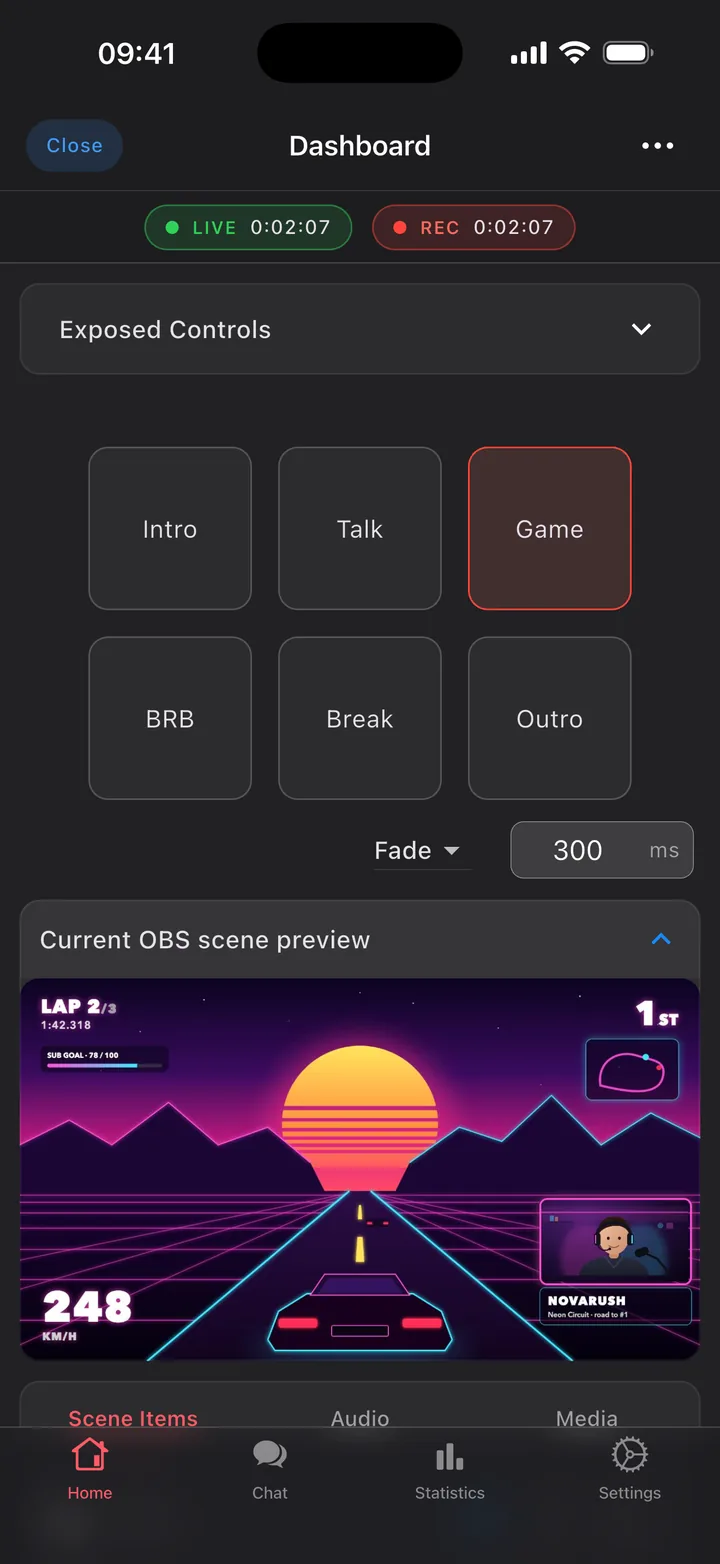
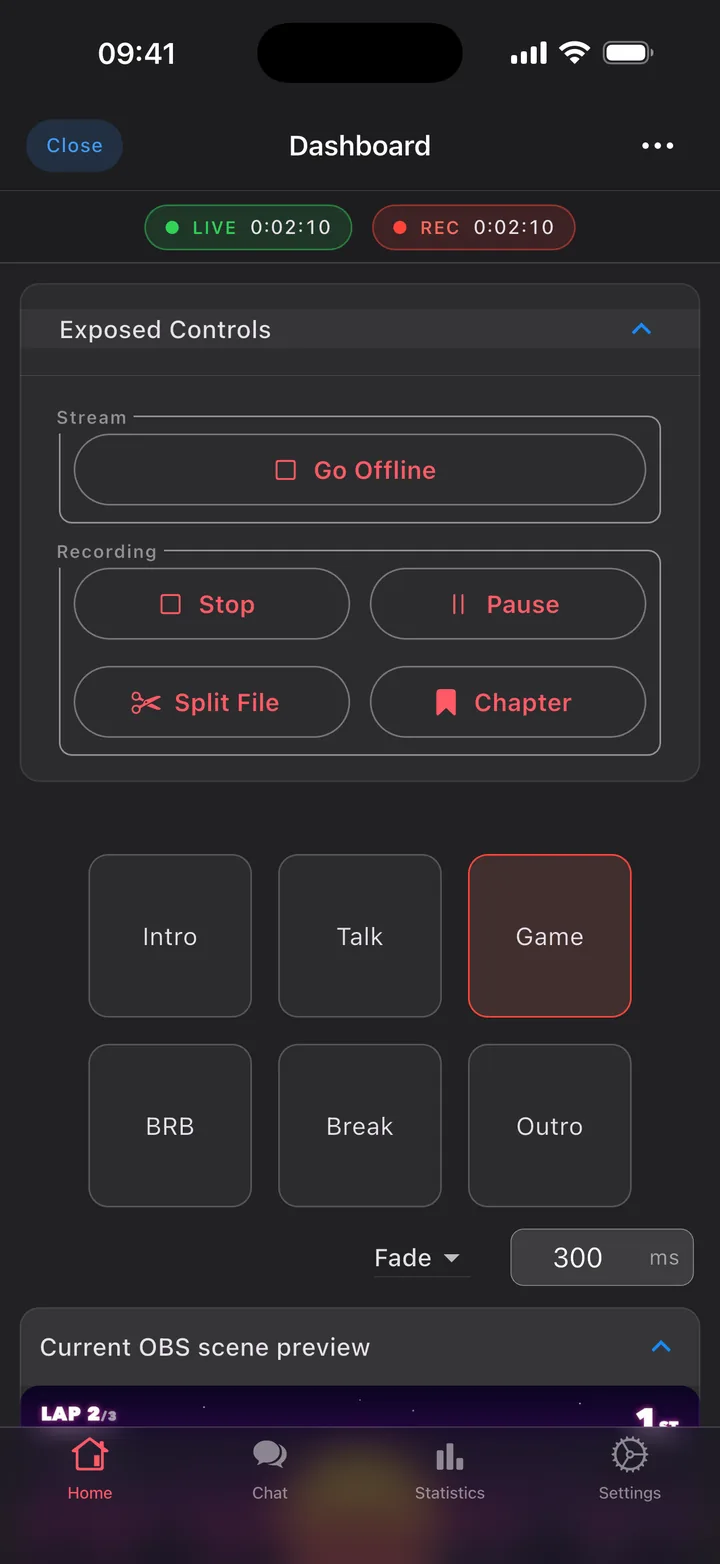
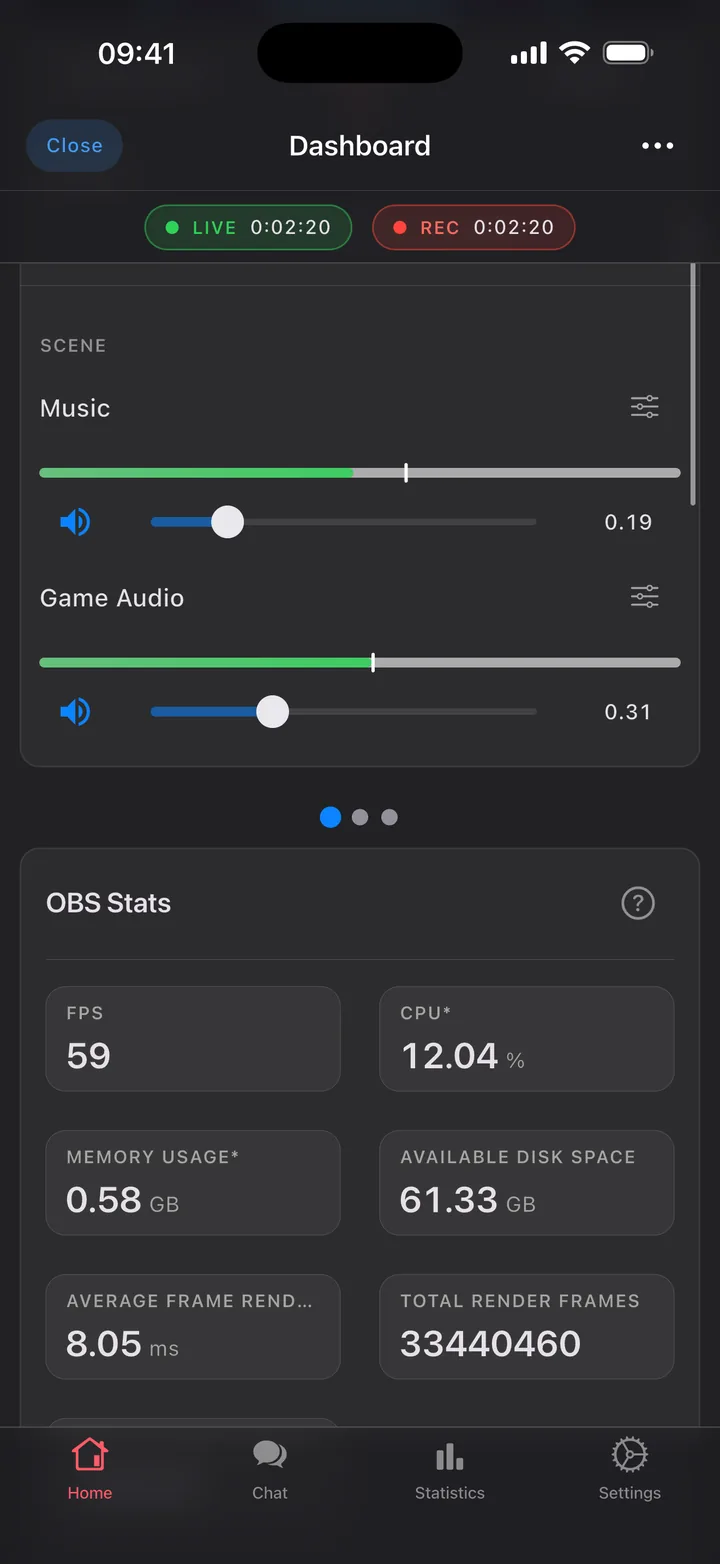
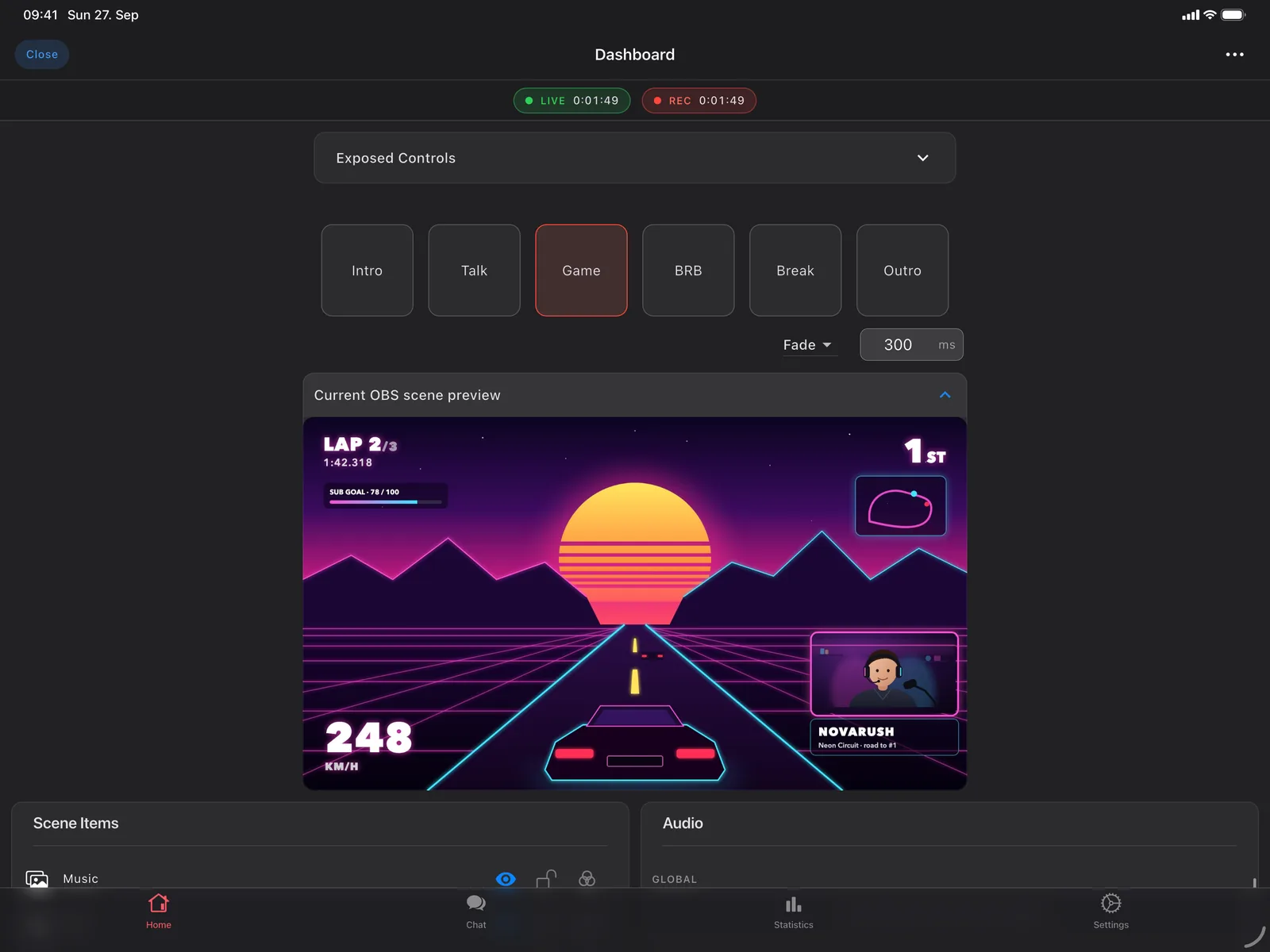
Switch scenes, watch the preview, go live and record with a tap.

  • Stream, record, replay buffer, virtual camera - start, stop and pause from anywhere in the room.
  • Scenes with studio mode and your transitions, plus a live preview of what your viewers see.
  • Profiles, scene collections and hotkeys without touching the keyboard.

Audio & sources

Every fader. Every source.

Mute, adjust and hide anything in your scene while you're live.

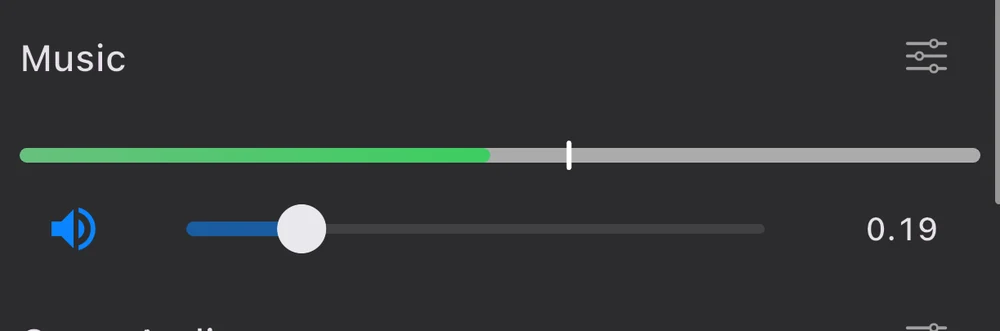
  • Live volume meters for every input, and a mute that's one tap away.
  • Show and hide sources in any scene - the overlay, the webcam, the game capture.
  • Media controls for the clips and sounds in your scene.

Combined chat PRO

All your chats. One feed.

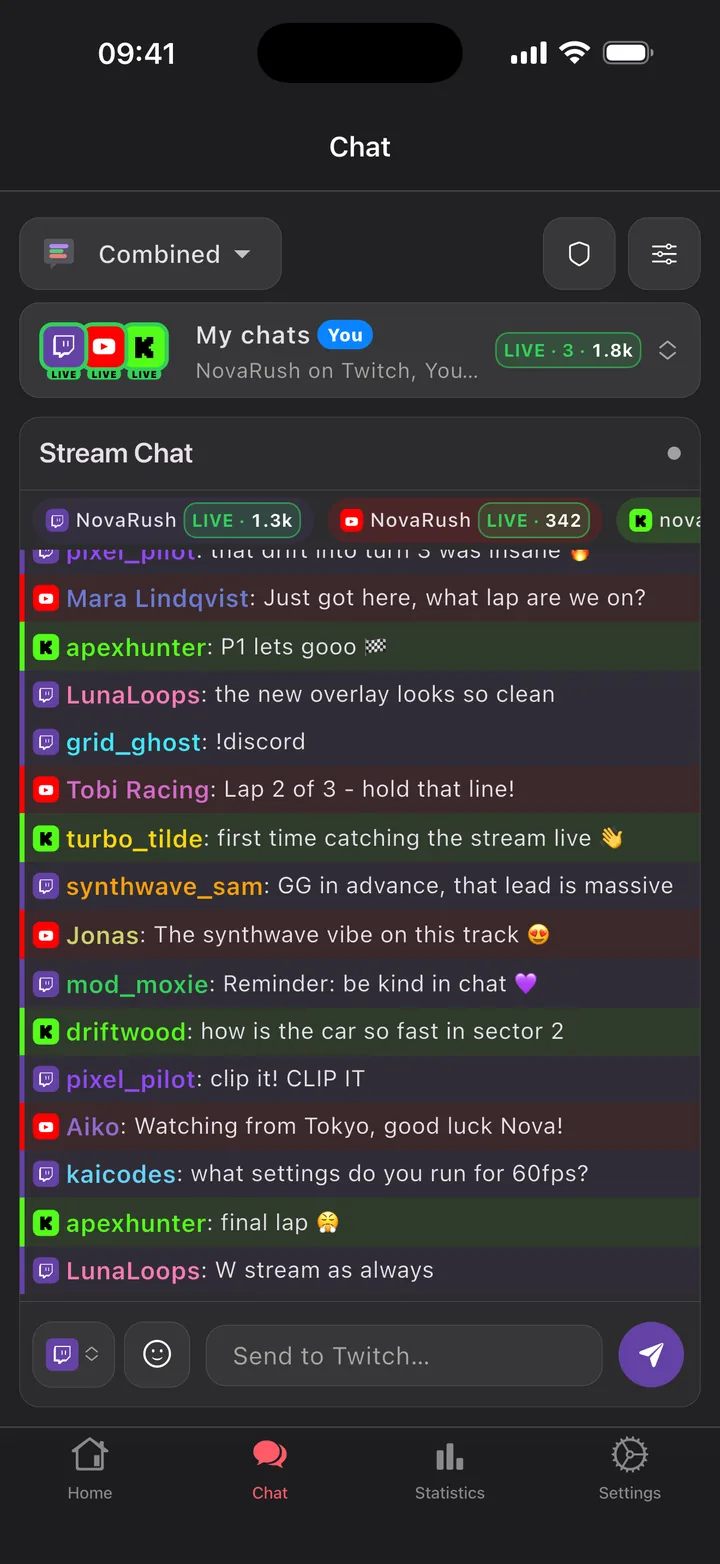
Twitch, YouTube and Kick in one timeline. Read, reply and moderate.

  • Native chat for Twitch, YouTube and Kick - read and write without a browser in sight.
  • Replies land on the right platform, and every channel you mod or follow is a switch away.
  • A full moderation toolkit: delete, timeout and ban everywhere, plus AutoMod, unban requests and chat modes on Twitch.
  • 7TV, BTTV and FFZ emotes, an emote picker, autocomplete and role badges.

Free includes Twitch, YouTube, Kick and Owncast chat in its own tab and next to your controls while you're live.

Statistics

Know how it went

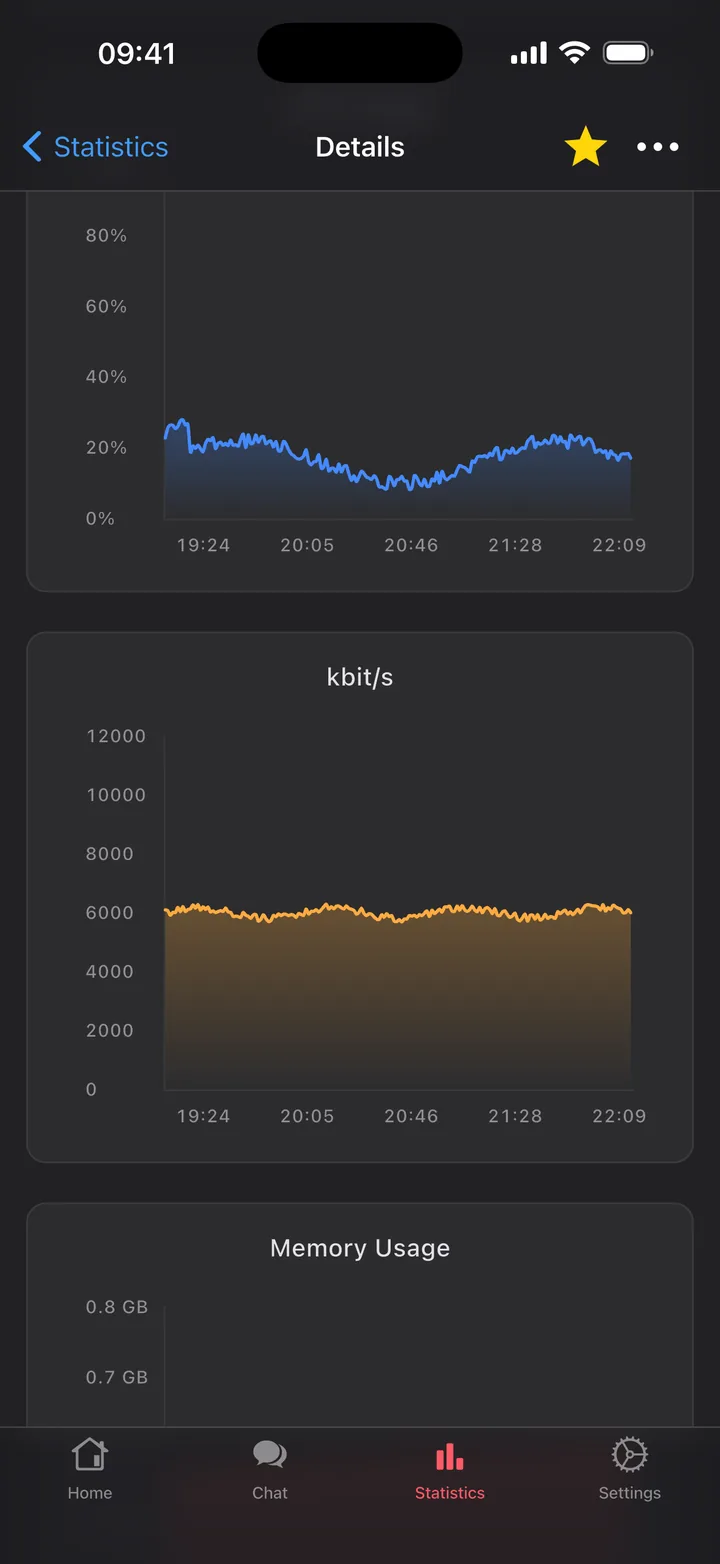
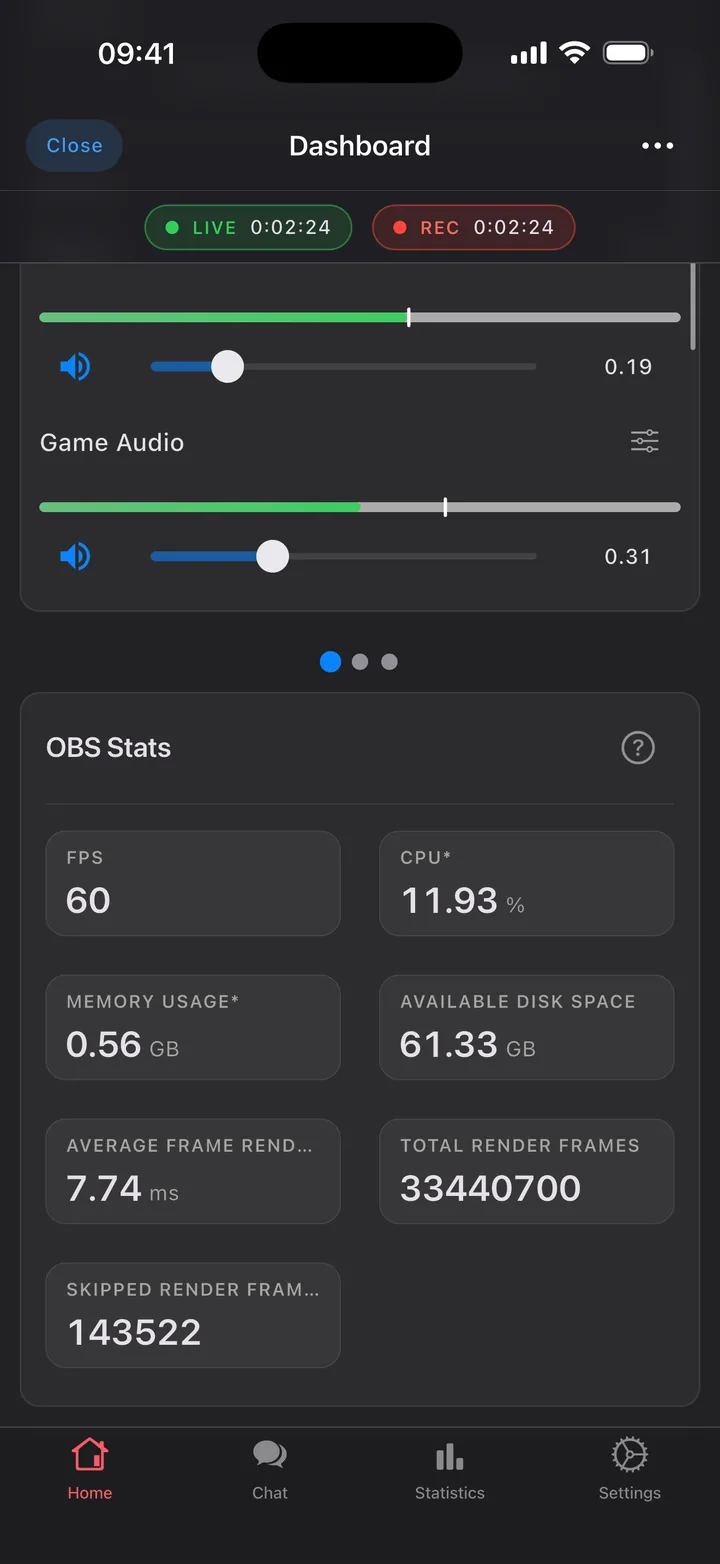
Live stats while you're on air, plus the history of every stream and recording.

  • Stream health at a glance: FPS, CPU, memory, bitrate and dropped frames.
  • Every session saved with charts, so you can look back at what happened when.
  • Favourites, sorting and filters for the streams worth keeping.

Phone & tablet

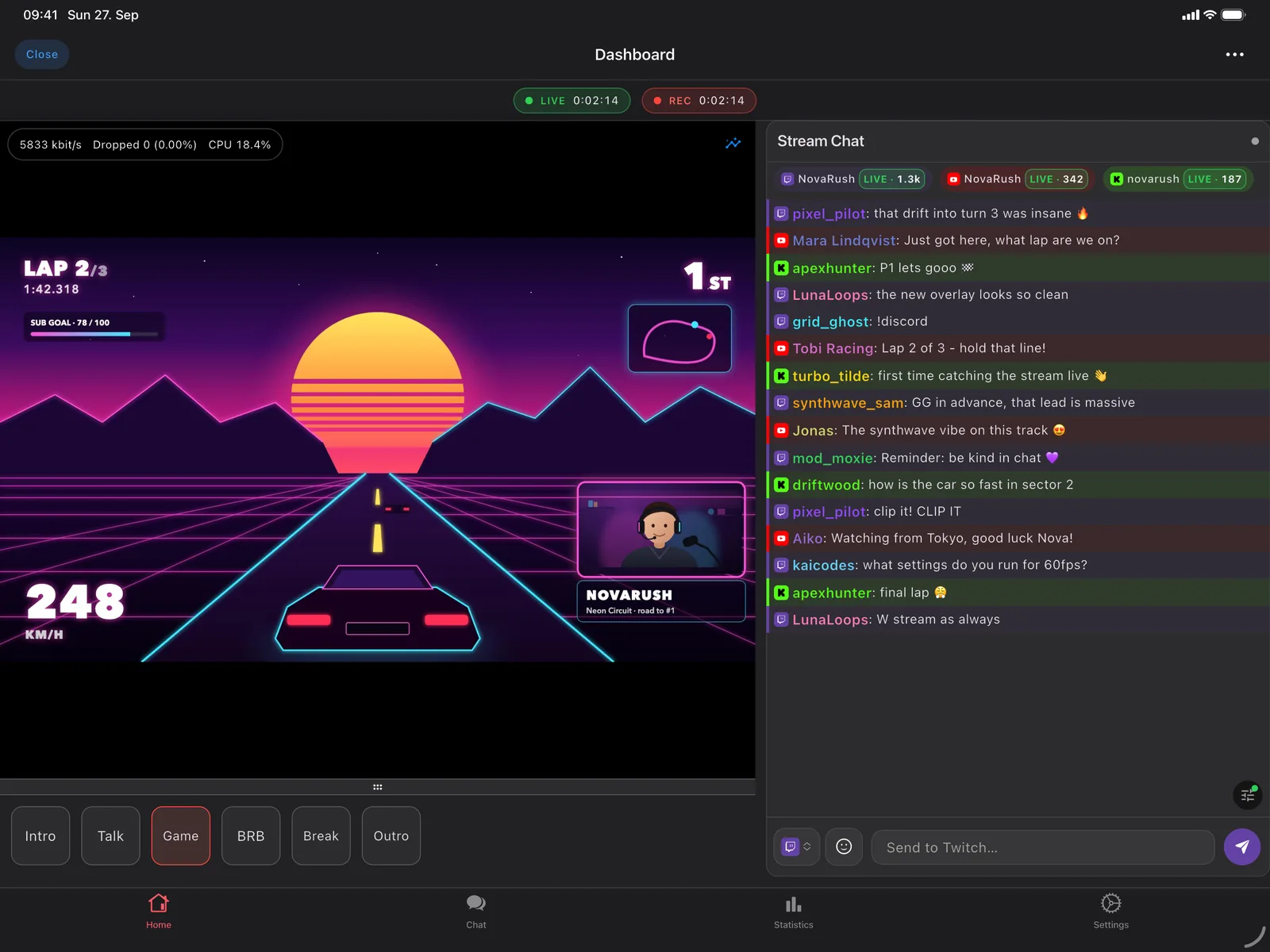
Built for the big screen too

Side-by-side layouts on tablets, with preview, scenes and chat on one screen. A focused cockpit on your phone.

Customisation

Make it yours

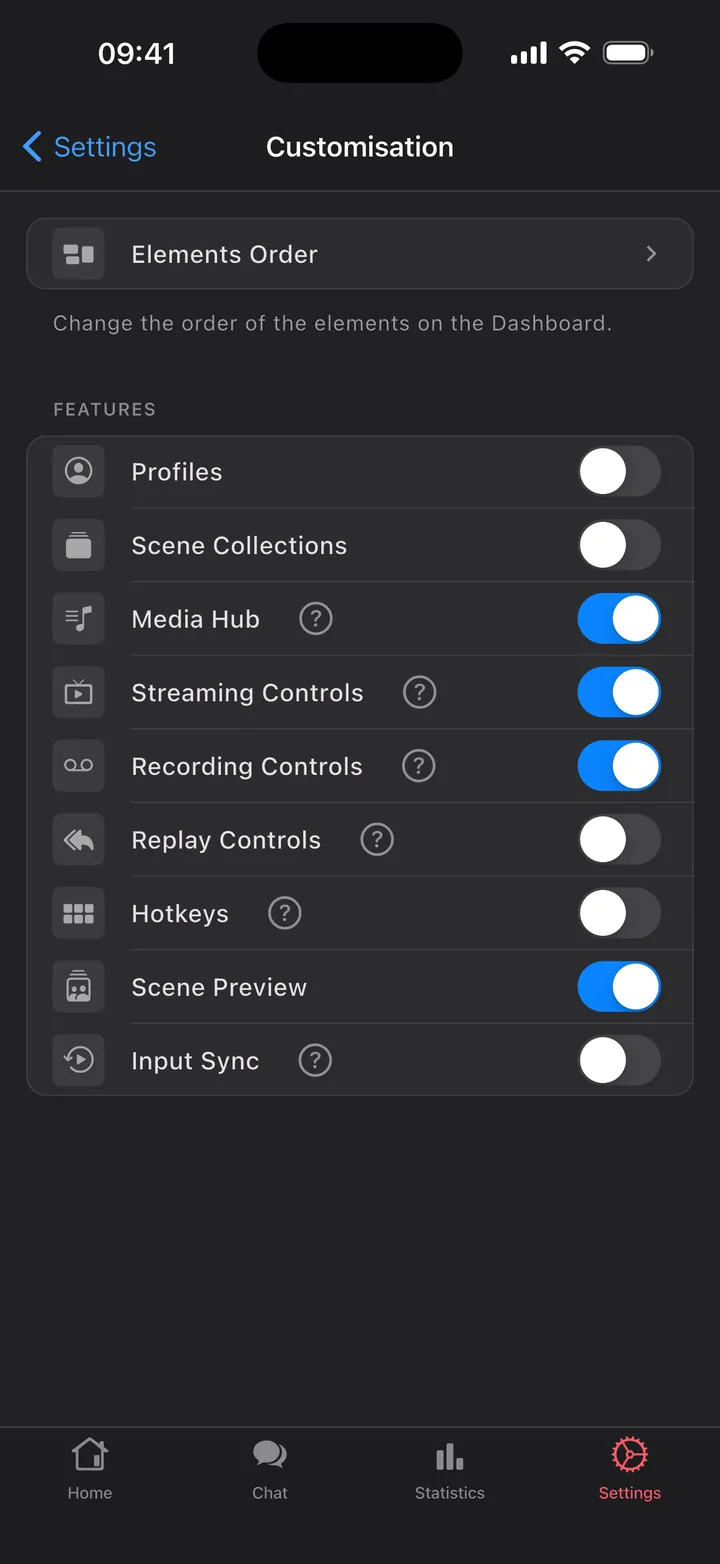
Studio Mode, extra controls, hotkeys, themes and your own dashboard order.

  • Turn features on and off so the dashboard only shows what you use.
  • Reorder the dashboard to match how you run your show.
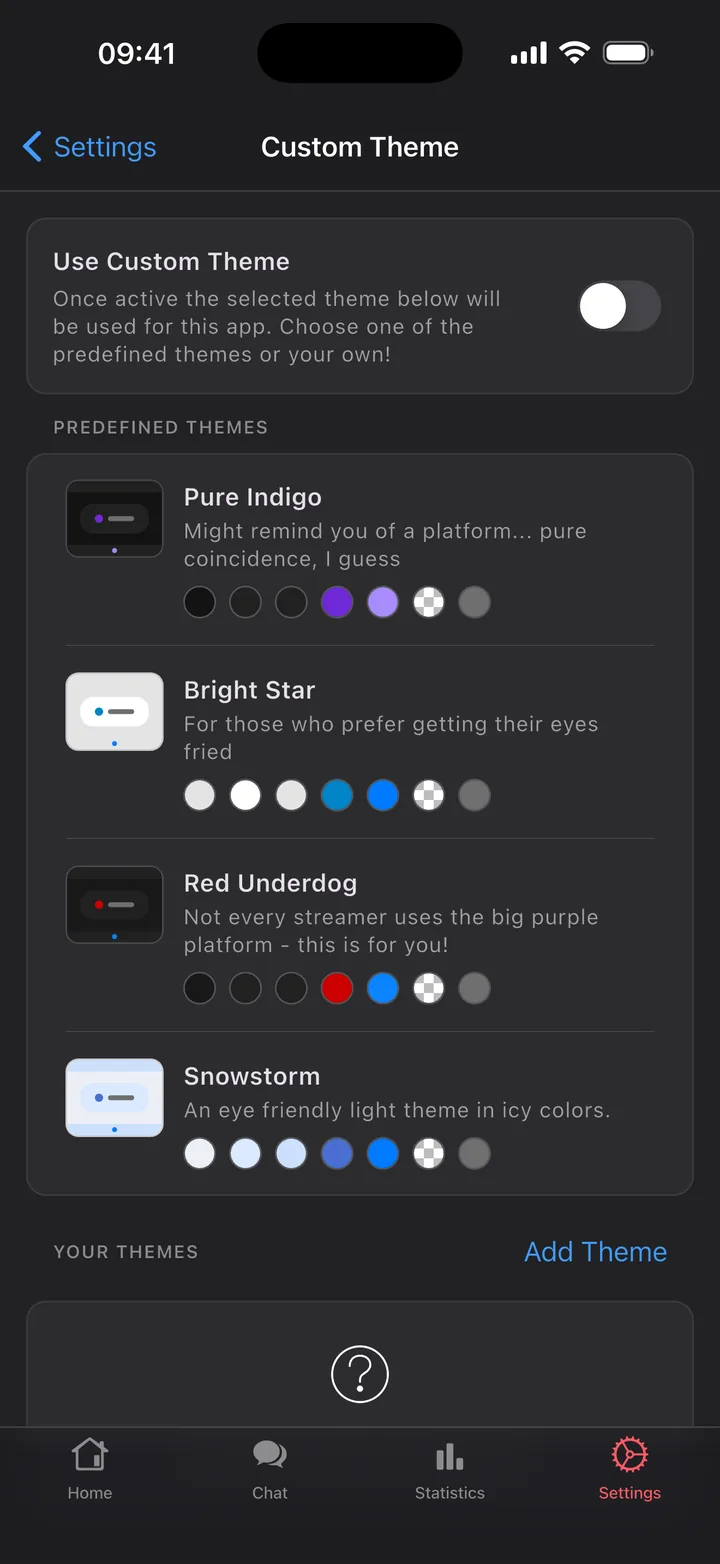
  • Themes built in, and your own custom themes with Pro.

Free & Pro

Free, forever. Pro for your chat.

Everything you need to run OBS is free. Chat is where your stream lives, so Pro makes it native.

Free

Forever. No account, no ads.

  • Stream, recording, replay buffer and virtual camera
  • Scenes, studio mode and transitions
  • Sources in any scene, audio mixer with live meters
  • Live scene preview
  • Profiles, scene collections and hotkeys
  • Live stream health and a history of every session
  • Twitch, YouTube, Kick and Owncast chat in its own tab
  • Your own dashboard order

Pro

PRO

Monthly, yearly or a one-time lifetime unlock. Cancel anytime in your store account.

  • Native chat for Twitch, Kick and YouTube
  • Combined chat: every platform in one live timeline
  • Every channel you mod or follow, saved combos, who's live at a glance
  • Moderation: delete, timeout, ban, AutoMod, unban requests, chat modes
  • 7TV, BTTV and FFZ emotes, emote picker, autocomplete, role badges
  • Highlights, mute words and chat search
  • Custom themes for the whole app

Setup

On air in a minute

OBS Studio 28 and later has everything built in. There's no plugin and no companion app on your PC.

Turn on the WebSocket server

In OBS, open Tools → WebSocket Server Settings and enable it. Note the password if you set one.

Join the same network

Put your phone or tablet on the same Wi-Fi or LAN as the PC running OBS.

Connect

OBS Blade finds OBS on your network by itself. You can also enter the PC's IP address and port (default 4455).

Privacy

What leaves your device

Almost nothing. OBS Blade talks to your OBS directly over your own network. Here's the complete list.

Purchases

RevenueCat gets an anonymous ID and your purchase history, so Pro works across reinstalls. There are no accounts and no custom user ID.

Kick sign-in & events

A small relay swaps Kick's login code for a token and hands it back. It keeps nothing. With Pro, a second relay keeps your own channel's Kick follows, subs and KICKs for 7 days so the activity feed can catch up - switch it off anytime.

Chat

Goes straight from your device to Twitch, YouTube or Kick when you use it, and never through us. Emotes (7TV, BTTV, FFZ) and recent Twitch history load from those services, and you can switch them off.

Analytics, crash reports, ads, tracking

None.

Run your whole show
from your pocket.

OBS Blade is free on iPhone, iPad and Android.

Download on the App Store Get it on Google Play